In today's fast-paced world, smart home technology promises to simplify our lives--allowing us to control lighting, temperature, security, and even window coverings with a tap or a voice command. But as our homes grow smarter, a critical question arises: How do we balance the undeniable convenience of smart devices with the imperative of security?
This guide explores the intersection of smart home convenience and security, addresses potential risks, and offers practical strategies for achieving harmony between the two--ultimately introducing how Graywind's innovative motorized curtain solutions deliver both ease and peace of mind.
Where Smart Home Convenience Creates Risk
Connected Accounts and Devices
Apps, voice assistants, hubs, and cloud services may exchange device and usage information. A reused password, an unsupported device, or an unnecessary integration can increase exposure. Before connecting a product, check its privacy policy, account controls, update process, and support period.
Automation Errors
Schedules can close curtains for evening privacy or open them for daylight, but failed commands, power loss, or incorrect time settings can interrupt a routine. Check important automations after app updates, router changes, and daylight saving time adjustments. Avoid treating an open-and-close schedule as proof that someone is home.
Internet and Platform Dependency
Remote access and many voice-assistant functions depend on a network, cloud service, or compatible hub. A local remote, direct Bluetooth connection, or supported local smart-home controller may continue operating during an outage, but behavior varies by configuration.
Five Ways to Balance Smart Home Security and Convenience
- Connect only the features you use. If a remote is enough, you may not need cloud access or several third-party services.
- Protect accounts and the router. Use different passwords for the router, Graywind account, and connected platforms. Enable multi-factor authentication wherever it is offered. CISA recommends strong passwords, MFA, and prompt software updates as basic cyber hygiene.
- Separate smart devices when practical. A guest or IoT network can reduce contact with work computers and personal storage. Follow the router manufacturer's instructions because guest-network isolation varies.
- Keep a backup control method. Retain a compatible remote or manual option, and know how to operate the treatment if an app, hub, or internet connection is unavailable.
- Review the system. Remove unused integrations, check app permissions, install available updates, and test privacy schedules instead of assuming they always run.

Choosing a Graywind Smart Motor
Graywind offers several motor types across its smart window treatments. Availability varies by product, so use the options shown on the individual product page and confirm compatibility before purchase.
Bluetooth Motor
Nearby Graywind App control works without a bridge. A Bluetooth Hub is required for schedules, routines, groups, Alexa, and Google integration. Basic control is simple, but advanced features add a hub and platform connections.
Zigbee Motor
Zigbee connects directly to select Echo devices with a built-in Zigbee hub. Other Alexa or Google setups may require a Zigbee Hub. Confirm the exact hub and device generation because local behavior depends on the selected ecosystem.
Matter Motor
Matter requires a compatible Matter Controller and Thread Border Router. Supported ecosystems can include Alexa, Google Home, Apple Home, and SmartThings. Matter was designed with security and interoperability requirements, but account and network practices still matter.
Hardwired Motor
The motor stays plugged in and connects to the Graywind App. Alexa and Google control are available through the app without a separate Graywind bridge. Continuous power avoids recharging, but connected app and voice features still depend on the network and related services.
Graywind's current Smart Curtain page lists rechargeable Zigbee Alexa and hardwired Alexa/Google versions. Other motor choices shown in the broader Smart Control Guide may not be available for every curtain, blind, or shade.
Start with the simplest configuration that meets your needs. Select a motor compatible with your existing platform, add a dedicated remote for everyday and backup control, and connect only the automations you will maintain. Review Graywind's smart motor comparison, smart-home connection guide, and smart-device privacy policy before setup.
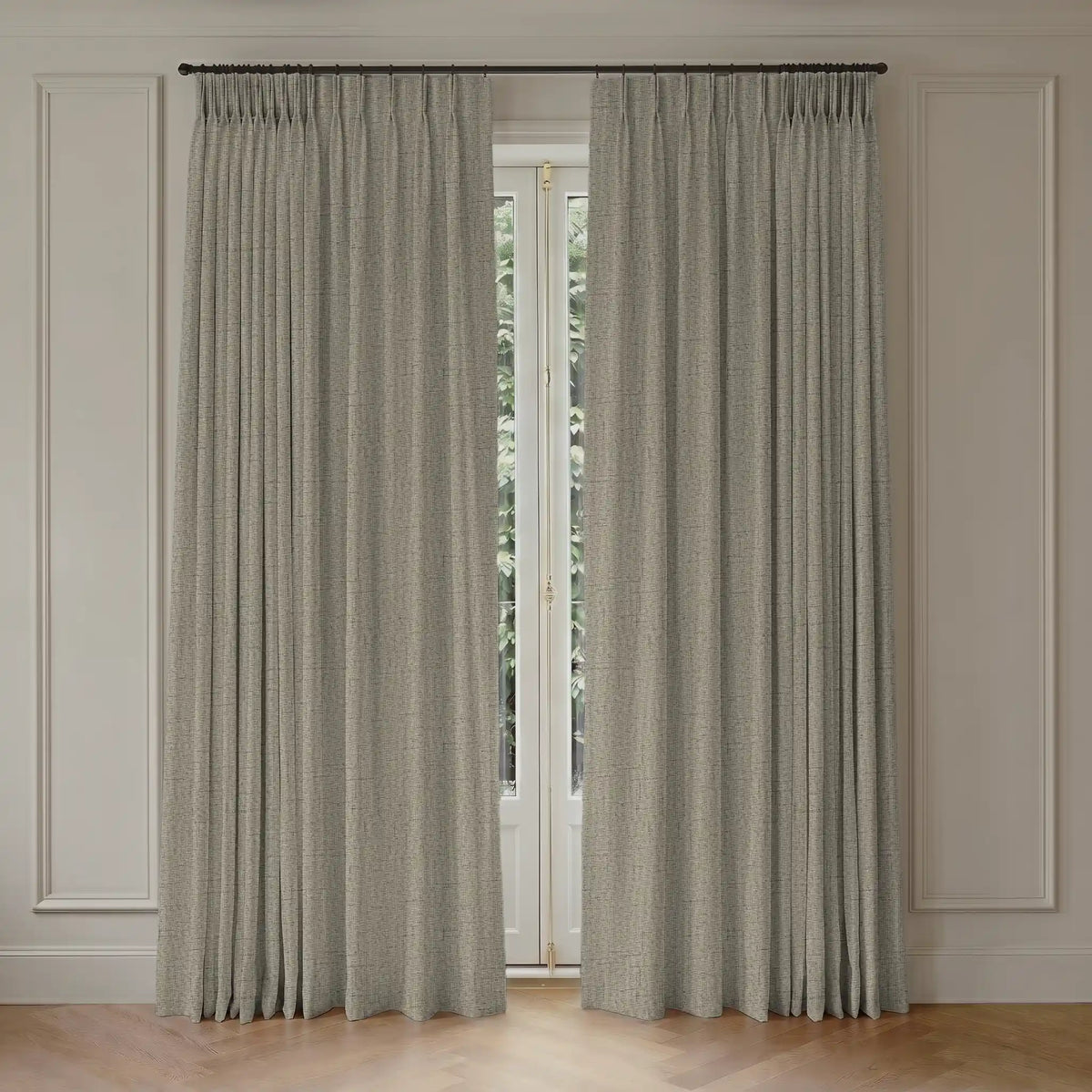
Compare available Graywind motorized curtains by fabric, power type, and control option. Smart curtains can make light and privacy easier to manage, but secure operation still depends on account settings, network maintenance, compatible devices, and a tested backup method.